Capability demo · prepared for Bevilles
AI product imagery & hover-to-video

One product photo in.
A full set of images that move out.

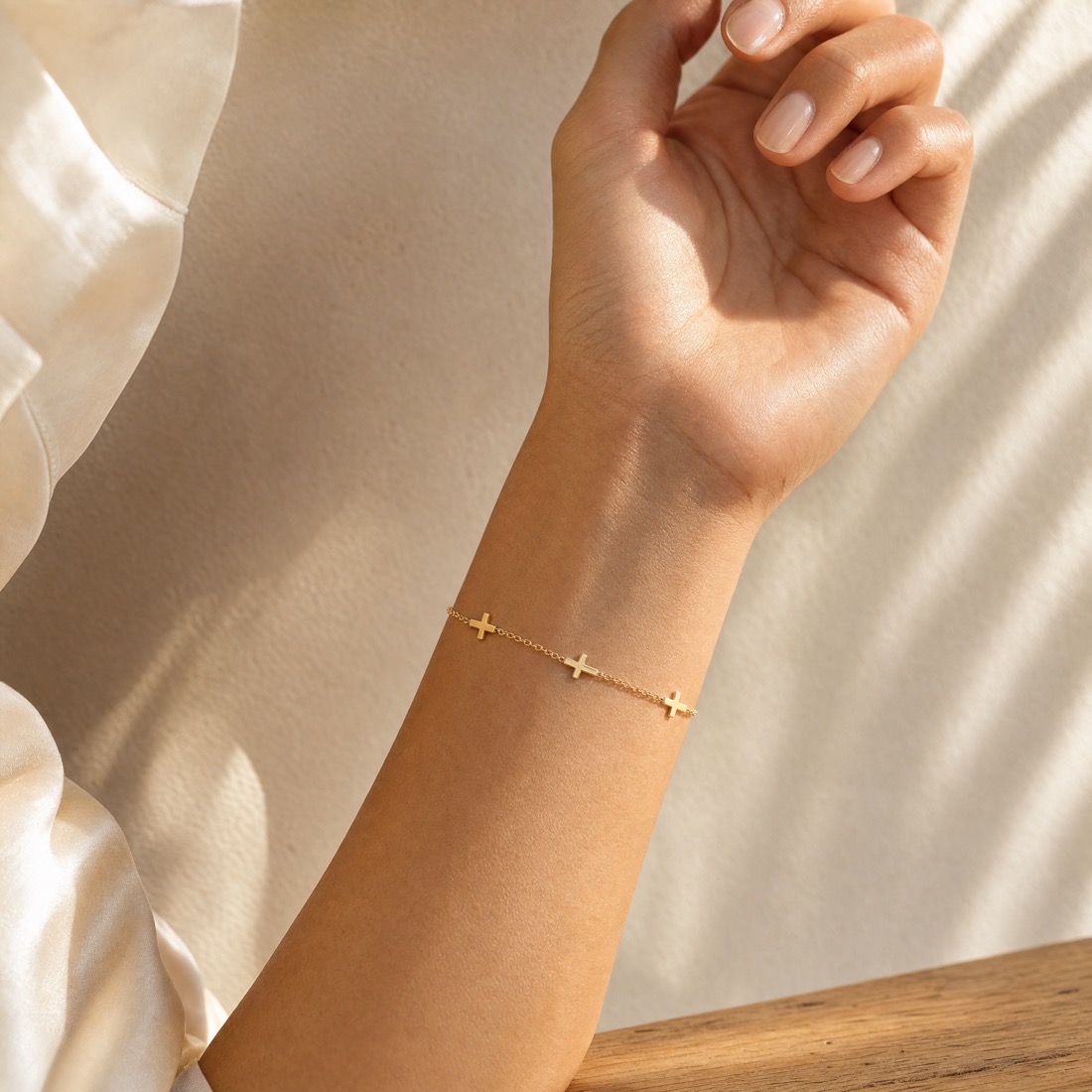
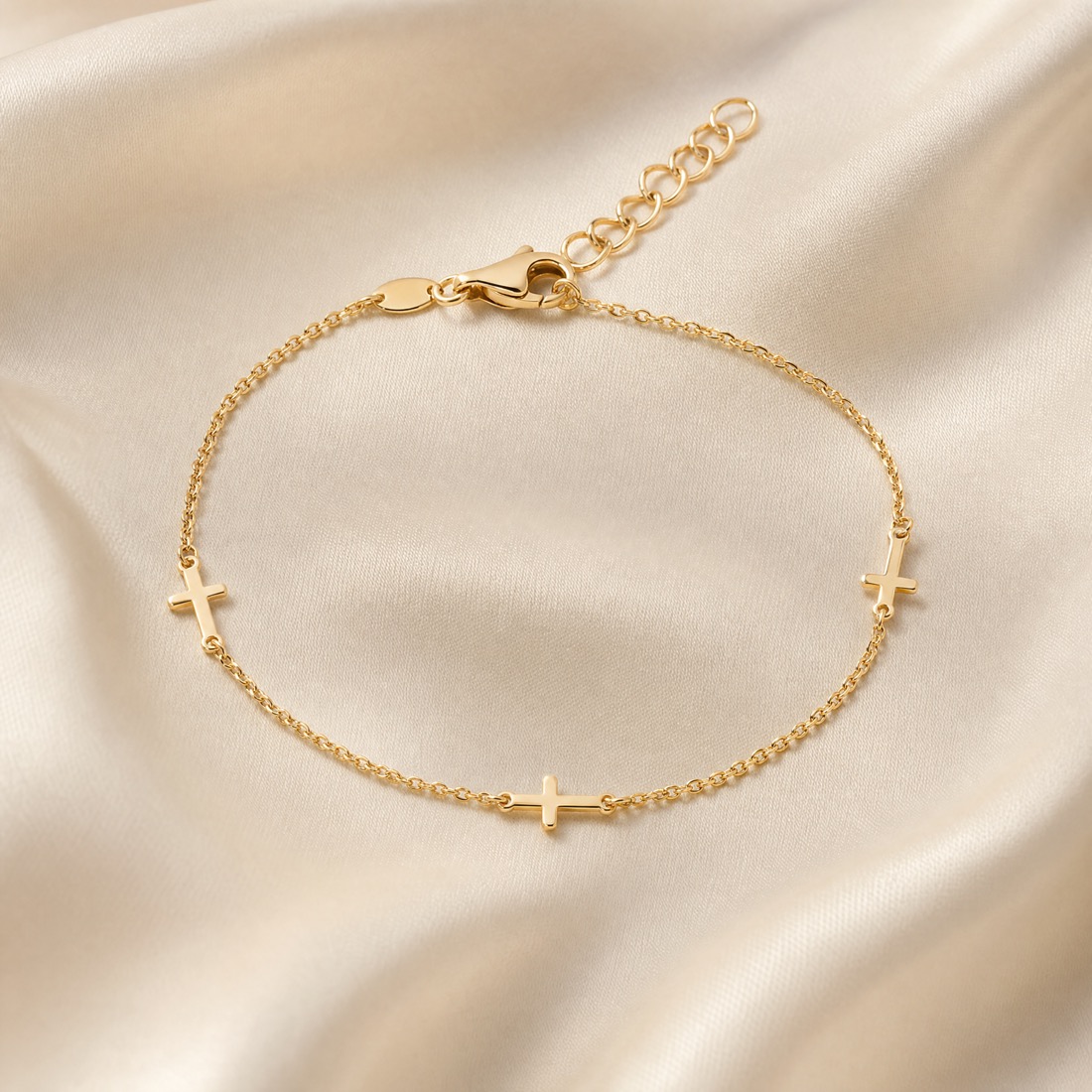
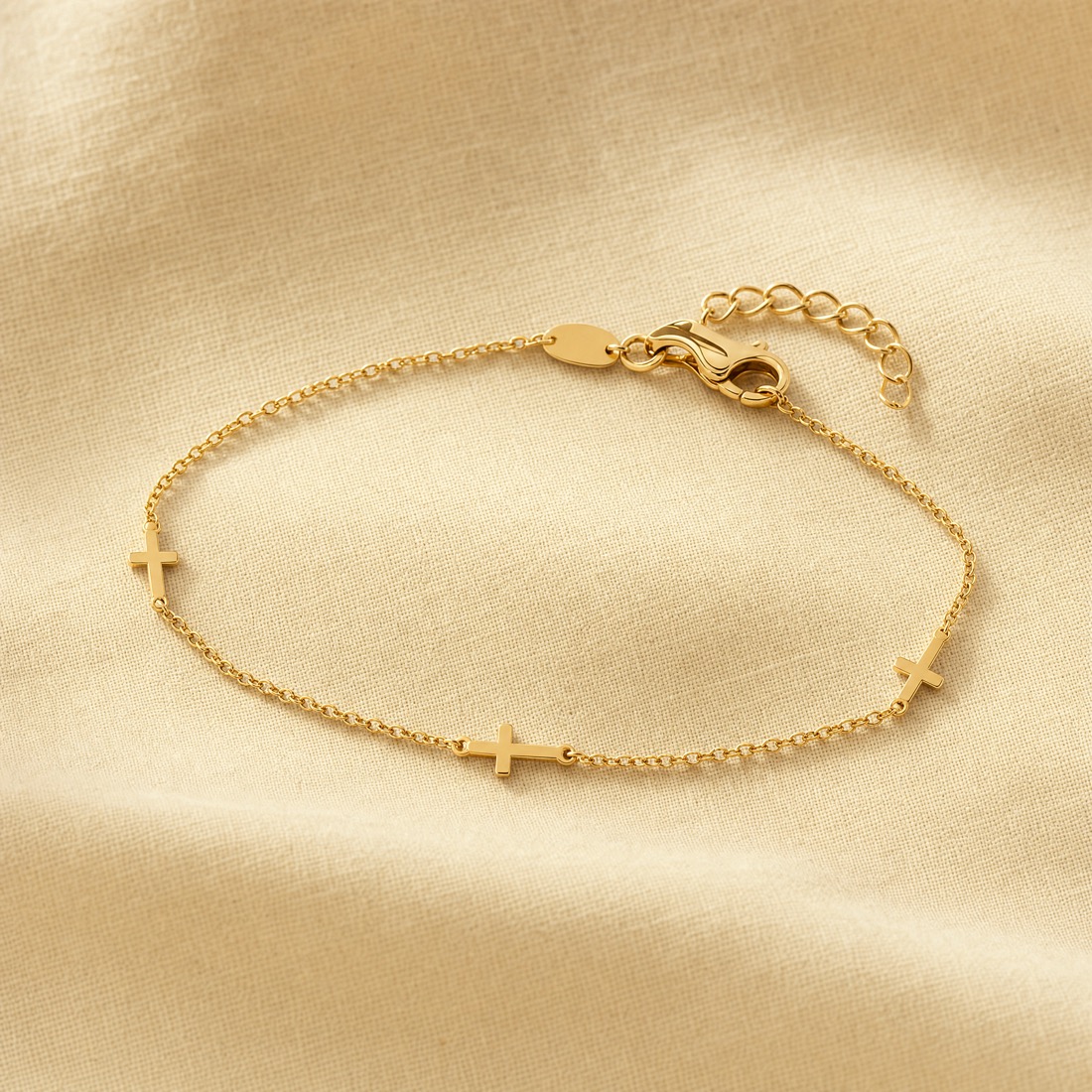
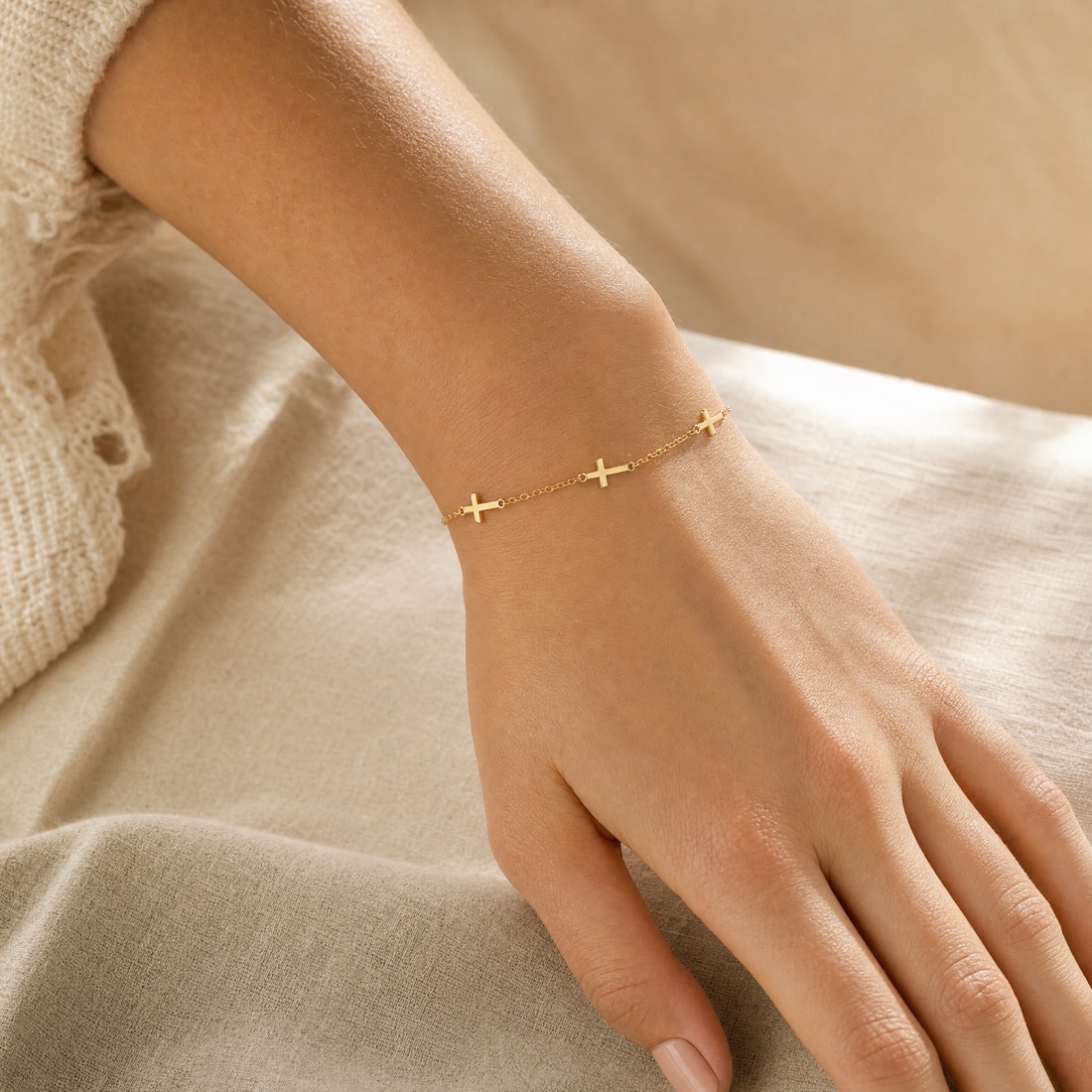
We took a single existing Bevilles packshot and generated four campaign-grade product images — worn and styled — then animated every one into a short hover-reveal video. No studio, no model booking, no videographer. This is what it looks like running on a product page.
1source photo
4AI images generated
4hover videos generated
~minutesper product, not weeks
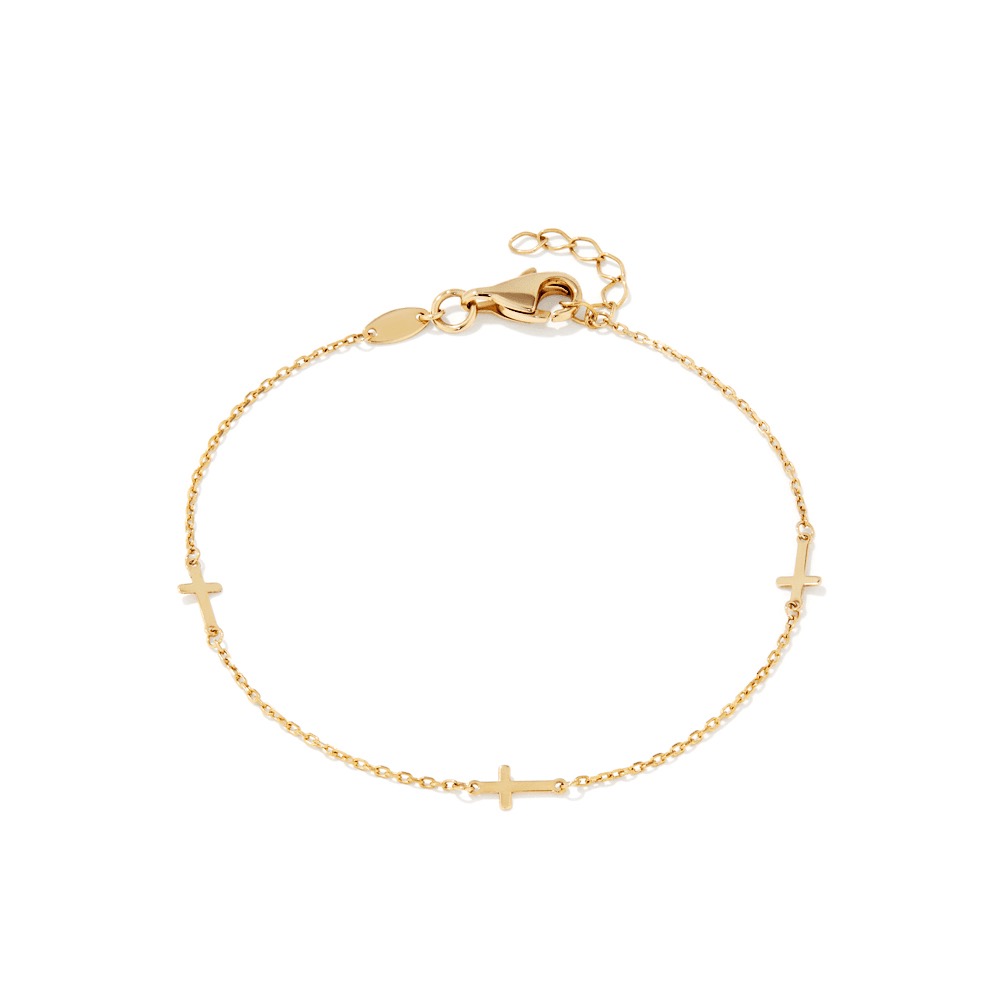
Original Bevilles packshot
The only input

Everything below was generated from this one flat packshot.

The 17cm Cross Station Bracelet, exactly as it appears on bevilles.com.au today — a single product photo on a plain background. No re-shoot. The lifestyle stills, the studio scenes, and the videos that play on hover are all AI-generated from it, keeping the real product faithful.

BevillesSince 1934

Cross Station Bracelet — the look, in motion

A mock product listing using the AI-generated set. The same piece, four ways.

Hover a product (or tap on mobile) to play its video
AI·WORN Worn on the wrist, soft linen Hover to play
Worn · Soft linen
17cm Cross Station Bracelet
$2999ct Yellow Bonded Gold
AI·WORN Worn on the wrist, sunlit Hover to play
Worn · Sunlit
17cm Cross Station Bracelet
$2999ct Yellow Bonded Gold
AI·STUDIO Studio still life on silk Hover to play
Studio · Silk
17cm Cross Station Bracelet
$2999ct Yellow Bonded Gold
AI·STUDIO Studio still life on linen Hover to play
Studio · Linen
17cm Cross Station Bracelet
$2999ct Yellow Bonded Gold
Mock storefront for demonstration. Product, name and price are real; all imagery and video are AI-generated for this concept.
AI lifestyle image
Original packshot
Before · packshot After · AI lifestyle
From catalogue to campaign

Same product. A reason to stop scrolling.

Flat packshots tell a shopper what something is. Worn, lit, moving imagery tells them what it feels like to own — which is what sells jewellery online. Drag the slider to compare.

  • Product fidelity preserved — three cross stations, fine cable chain, the real clasp
  • On-model and styled studio looks without a shoot
  • Consistent, on-brand warmth across the whole set
  • Every still doubles as a 5-second video for hover, PDP galleries, Meta & TikTok
The point: scale

This was one SKU. Bevilles has thousands.

The workflow is the same whether it runs on one product or the whole catalogue — and the marginal cost barely moves. Figures below are illustrative ranges to frame the order-of-magnitude difference, not a quote.

Traditional shoot — per product

~A$1,500–4,000+
Lead time2–4 weeks
NeedsStudio, model, stylist, videographer
VideoExtra cost & day rate
Re-shoots / variantsFull cost again

AI workflow — per product

~A$5–20 + minutes
Lead timeSame day
NeedsOne existing packshot
VideoIncluded — every image animates
Re-shoots / variantsRe-prompt in minutes
8Assets generated here from 1 photo (4 images + 4 videos)
~95%+Indicative cost reduction vs a traditional shoot
Days minsTurnaround per product, at catalogue scale
Hover.Video built natively into Shopify product media
How it works

Four steps. Fully repeatable across the catalogue.

Everything in this page was produced with this exact pipeline. It slots into the tools Bevilles already runs.

1

Pull the existing photo

Take the packshot already live on the product page — no new photography required.

Source: bevilles.com.au
2

Generate the images

AI product photoshoot creates worn, lifestyle and studio stills that stay faithful to the real piece.

Image gen · multiple looks
3

Animate each one

Each still becomes a short, subtle 5-second video — the gold catches light, the wrist turns.

Image-to-video
4

Publish to Shopify

Images and video upload straight into Shopify product media; the theme plays video on hover.

Shopify Plus · native video
Concept demonstration. Imagery and video are AI-generated for illustration; production delivery includes a per-asset fidelity & QA pass before anything goes live.